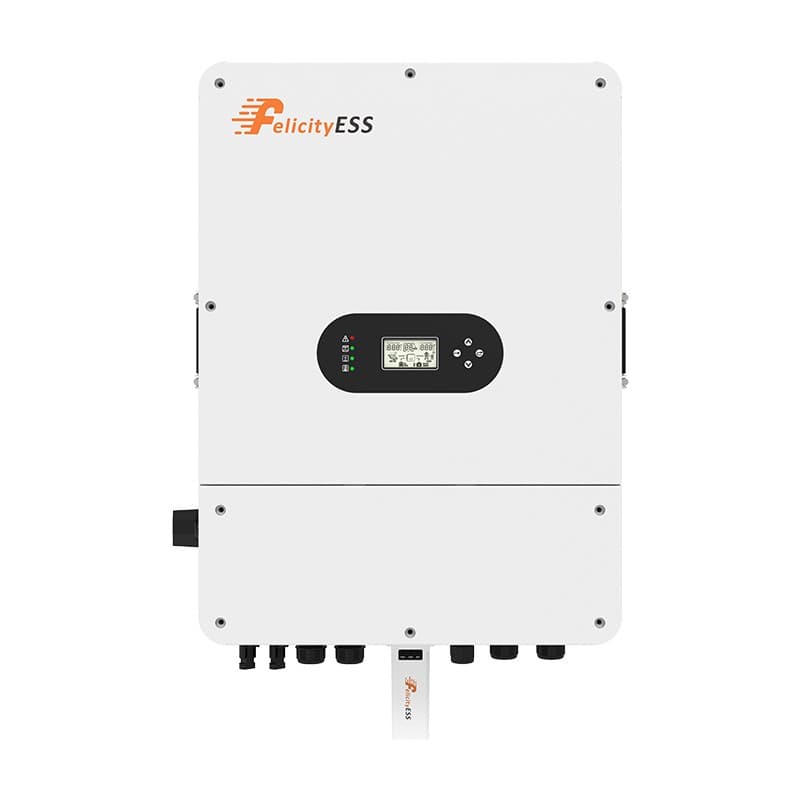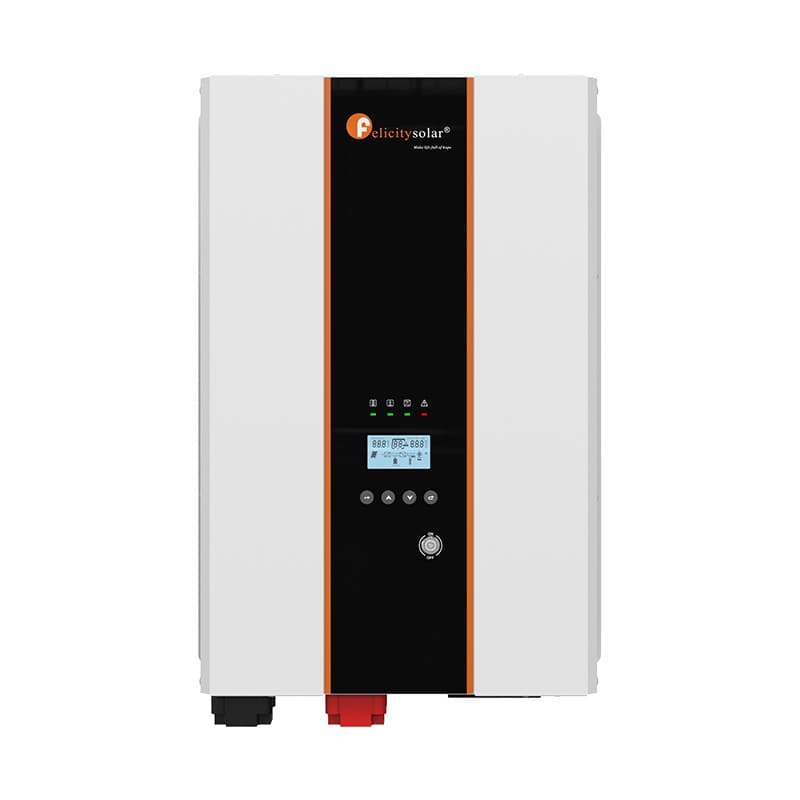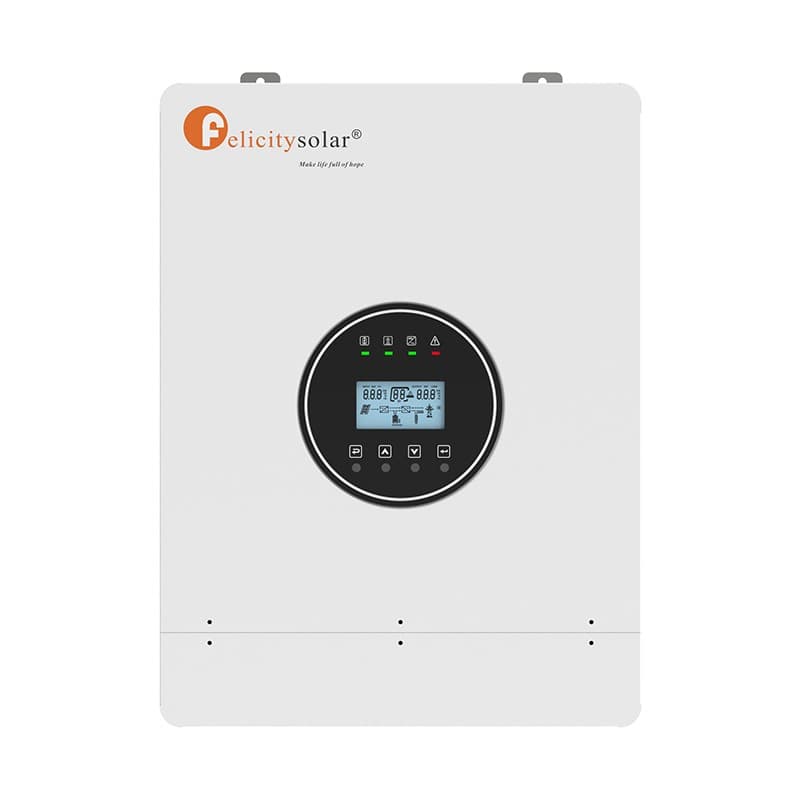
Error 15 = output short, 34 = heavy overload, 24 = output voltage low, 27 = battery disconnected, 01 = overload — the real IVPS meanings and fixes.
Your Felicity inverter has stopped, the red LED is on, and a number is sitting on the screen. Before you do anything else, look at that LED. Solid red with the output cut off means a fault — the inverter has shut its output down to protect itself, and the buzzer sounds continuously. Flashing red while your appliances keep running means a warning — the unit is still working, but it wants attention, and the buzzer beeps on and off. The same number can appear in both lists on some models, so the LED tells you which table to read. And if your screen says F15 instead of 15: Error 15 and F15 are the same fault — some models and firmware versions simply add the "F".
In a hurry? Type the code on your screen into the Felicity error-code lookup — 1,356 codes across 46 devices, each with the official cause and recommended fix.
How to read the code on your screen
Felicity documents two separate code tables for each inverter: fault codes and warning codes. A fault stops the output — you get a solid red LED, a continuous buzzer, and the code steady on the LCD. A warning leaves the output running — the red LED flashes, the code flashes on the LCD, and the buzzer beeps intermittently. This matters because a number like 14 exists in both tables on the newer IVPS generation: solid 14 is "output voltage high" (a fault), while flashing 14 is "input phase abnormal" (a warning). Match the LED state first, then the number.
IVPS and IVPM error codes (official list)
These two tables cover the IVPS/IVPM family — the models most Felicity owners have. The classic generation includes IVPS2512, IVPS2524, IVPS3524, IVPS5024, IVPS5048, IVPS7548, IVPS10048 and the IVPM5048/7548/10048. The newer parallel-capable generation covers IVPS3524P1G1-LV, IVPS5048P1G1-LV, IVPS7548P2G1 and IVPS10048P2G1. Codes 27, 32, 34 and the 40–72 parallel-system faults exist only on the newer P1G1/P2G1 generation; the MPPT warnings 83, 84, 85, 87 and 88 belong to the classic series with a built-in solar charger. Every chip links to that code's full page in the directory.
Warning codes — red LED flashing, the inverter keeps running
| Code | Meaning | What to do |
|---|---|---|
| 01 | Overload — the load is above the inverter's rated output power | Reduce the load; how long the unit tolerates it depends on the load percentage |
| 04 | Battery low — discharged below the low-voltage warning level | Charge the battery and check what drained it |
| 05 | Power derating — the AC input voltage is low (about 90–170 V) | Confirm the input voltage on the screen; the unit keeps working at reduced power |
| 06 | TX NTC disconnected — transformer temperature sensor open or failed | Needs service — contact a technician |
| 07 | INV NTC disconnected — inverter temperature sensor open or failed | Needs service — contact a technician |
| 14 | Input phase abnormal — flashing 14, P1G1/P2G1 generation only | Needs service — contact a technician |
| 83 | Built-in MPPT: charging overcurrent | Check the PV array and battery setup against the MPPT charging limits |
| 84 | Built-in MPPT: battery voltage low | Charge the battery and check the battery connections |
| 85 | Built-in MPPT: battery voltage high | Check the battery voltage and the charger voltage settings |
| 87 | Built-in MPPT: high temperature | Improve ventilation and let the unit cool down |
| 88 | Built-in MPPT: PV over voltage | Reduce the number of panels in series so the PV voltage stays in range |
Fault codes — red LED solid, output cut off
| Code | Meaning | What to do |
|---|---|---|
| 13 | Overload — load above the rated output in battery mode | Switch off, reduce the load below the rating, switch on; with AC input connected it clears itself after about 30 seconds |
| 14 | Output voltage high | Restart the inverter; if it comes back, contact a technician |
| 15 | Output short — a short circuit on the AC output | Cut the AC input, switch off, disconnect all output wiring, restart — full steps below |
| 17 | Battery voltage high | Check the reading on the screen and with a multimeter; above 60 V, stop using the battery |
| 18 | Over temperature | Switch off and let the inverter cool down before using it again |
| 21 | Overcurrent in charging mode | Internal protection — contact a technician |
| 22 | Inverter soft-start timeout | Internal protection — contact a technician |
| 24 | Output voltage low | Switch off, disconnect the output wiring, restart — full steps below |
| 27 | Battery disconnected — P1G1/P2G1 generation only | Check the battery connector |
| 28 | Current sensor abnormal | Internal protection — contact a technician |
| 32 | INV NTC disconnected or abnormal — P1G1/P2G1 only | Internal protection — contact a technician |
| 34 | Heavy overload or output short — P1G1/P2G1 only | Treat as 13 and 15 together: reduce the load and check for shorts |
| 40 41 42 | Parallel communication lost (CAN / host / synchronization data) | Check the communication cables between inverters and restart |
| 43 | Battery voltage differs between paralleled inverters | All units must share the same battery bank; check the battery cables are the same length and material |
| 44 | AC input voltage or frequency differs between units | Check the utility wiring; all AC-input breakers must switch on at the same time |
| 45 | AC output current unbalance | Restart, remove excessive loads, and check the AC cables are the same length and material |
| 46 | AC output mode setting differs between units | Check LCD setting #28 matches the system type on every inverter |
| 60 | Current feedback into the inverter detected | Check L and N are not reversed; check the current-sharing cables per phase |
| 71 | Firmware versions differ between units | Update all inverters to the same firmware version |
| 72 | Output current differs between units | Check the current-sharing cables are seated and restart |
Seeing 02 or 03? Those numbers are not defined on IVPS/IVPM inverters — on this family, battery low is warning 04 and over-temperature is fault 18. Codes 02 and 03 do exist on other Felicity devices (T-REX inverters, LUX batteries, the SCCM charge controller) with their own meanings — check your model in the directory.
The most-searched Felicity codes, explained
Error 15 / F15 — Output short circuit (IVPS family)
This is a fault: the output cuts off and the red LED stays solid. Per the official IVPS user guide, a short circuit has been detected on the AC output — in the wiring or in a connected appliance.
- If the utility (AC input) is connected, cut off the AC input first
- Switch the inverter off
- Disconnect every AC output wire — no loads left on the output
- Switch it back on
If the screen still shows 15 with nothing connected, the fault is internal — stop there and contact a technician. If it starts cleanly, the short is in your wiring or one appliance: reconnect circuits one at a time until you find it, and make sure none of the output wiring or loads are short-circuited before putting them back in service.
On other models: T-REX hybrids up to 10 kW and the Apollo ESS use F15 for a failed buck-boost current sensor (a service job), IVEM inverter-chargers use it for abnormal PV power, and on the LUX S-1600 battery, 15 means PV2 voltage too high. The code 15 page lists every device-specific meaning.
Error 34 — Heavy overload or output short (newer IVPS generation)
Defined only on the P1G1/P2G1 generation (IVPS3524P1G1-LV, IVPS5048P1G1-LV, IVPS7548P2G1, IVPS10048P2G1). The output is either heavily overloaded or short-circuited, and the manual says to handle it as fault 13 and fault 15 combined: switch off and reduce the load below the rated output; if 34 returns with a modest load, disconnect all output wiring and test for a short exactly as with error 15 above.
On other models: 34 means heat-sink over-temperature on the T-REX-3KLP1G01, radiator over-temperature on the IVCM1012 PRO, and a grid under-voltage alarm on the IVGM5KL-P1G1 — see the code 34 page.
Error 24 — Output voltage low (IVPS family)
A fault: the inverter's output voltage has dropped below range. Per the official guide: switch the inverter off, disconnect all AC output wiring, and switch it on again. If it still shows 24 with nothing connected, it needs service. If it runs normally, a big load was probably pulling the output down — identify it, disconnect it, and confirm the inverter stays normal.
On other models: 24 is a software-detected overcurrent/surge on the T-REX-3KLP1G01 and excessive inverter current on the IVCM1012 PRO — see the code 24 page.
Error 27 — Battery disconnected (newer IVPS generation)
Only on the P1G1/P2G1 generation. The inverter can no longer see the battery — the connector is loose or disconnected. The official fix is exactly that simple: check the battery connector. Make sure it is fully seated and the connections are tight; if the fault stays with a good connection, contact a technician. The classic IVPS/IVPM series does not define 27.
On other models: on the IVGM5KL-P1G1, 27 is a battery over-current fault — see the code 27 page.
Error 05 — Power derating, low utility voltage (warning)
A warning, not a fault: the red LED flashes and the inverter keeps running at reduced output power. The cause is a low AC input voltage, around 90–170 V. Read the input voltage on the screen: if it really is in that band, this is normal behavior — output derates until the utility recovers. If the input voltage is not low, contact a technician.
On other models: 05 means high charging current on LUX-Y batteries, PV over-current on the IVGM5KL-P1G1, and PV high loss on the SCCM3024-III controller — see the code 05 page.
Error 01 — Overload warning (IVPS family)
Flashing red, still running: the connected load is above the inverter's rated output power. The manual is blunt — the inverter forbids overload, and the remaining working time depends on the load percentage. Reduce the load promptly; if you leave it, the unit escalates to fault 13 and cuts the output.
On other models: 01 means high battery voltage on LUX batteries and PV voltage too high on the T-REX-3KLP1G01 — see the code 01 page.
Error 13 — Overload fault (IVPS family)
Solid red, output cut: the load exceeded the rated output power in battery mode. Switch the inverter off, reduce the load below the rated output, then switch it on again. If the overload happens while the AC input is on, wait about 30 seconds and the fault clears automatically. If 13 keeps returning, measure your actual load — motor appliances such as pumps and air conditioners can surge well above their nameplate figure at startup.
On other models: 13 is a slave-communication failure on LUX-Y batteries — see the code 13 page.
Error 17 — Battery voltage high (IVPS family)
A fault. Per the official guide: read the battery voltage from the screen and measure it at the battery with a multimeter. If both readings are above 60 V (on 48 V models), stop using the battery — it may have a problem. If the two readings disagree, the issue may be on the inverter's measurement side — contact a technician.
On other models: 17 is an overload timeout on the T-REX-3KLP1G01 and an EEPROM fault on the SCCM3024-III — see the code 17 page.
Error 18 — Over temperature (IVPS family)
The inverter has overheated and shut its output down. Switch it off and let it cool; once the temperature is back to normal, it can be used again. To stop it recurring, keep the vents clear, keep the unit out of direct sun, and clean dust from the grilles. Note: generic code lists on the web put over-temperature on 02 — on Felicity IVPS units it is 18.
On other models: 18 is a battery under-voltage alarm on the IVGM5KL-P1G1 — see the code 18 page.
Other Felicity model families
Not an IVPS? Every Felicity product line has its own code table, and the directory keeps one page per device with the full official list:
| Family | Look up your model |
|---|---|
| T-REX hybrid inverters (F-codes such as F15) | T-REX-3KLP1G01 · T-REX-10KLP3G01 · T-REX-10KHP3G01 · T-REX-50KHP3G01 |
| IVEM inverter-chargers | IVEM 6048 · IVEM8048-II · IVEM8048-LV |
| IVGM and IVCM inverters | IVGM5KL-P1G1 · IVCM1012 PRO |
| E-CHO SI hybrid inverters (E-codes such as E10) | E-CHO-SI3KS2 · E-CHO-SI5KS2 · E-CHO-SI8KS2 |
| Energy storage systems | Apollo-5KLP1G01-MX · FLS-ES232LC-S |
| LUX lithium batteries | LUX-X-48100LG01 · LUX-Y-48100HG01 · LUX-E-48100LG03 · LUX-S-1600LG01 |
| FLA / FLB / LPBF rack & wall batteries (C-codes such as C05) | FLA48200 · FLB48314TG1 · LPBF48100-M |
| Charge controller | SCCM3024-III |
| Micro-inverter | X-RAY-BDM2000 |
| EV charging | Atlas AC Home Charger |
Look up your exact code
The Felicity error-code directory holds 1,356 codes across 46 devices — every inverter, battery, ESS unit, charge controller and charger above, each code with its official cause and recommended fix. Type the code from your screen (for example 15, 34 or E10) and you go straight to the answer for your model.
📞 Still showing the code after these steps? Message a technician on WhatsApp +971 4 255 0887 — free lifetime support is included with every unit we supply. Prefer to talk? Call us or reach out through the contact page.
Frequently Asked Questions
What does error 15 mean on a Felicity inverter?
What does error 34 mean on a Felicity inverter?
What is the difference between a fault and a warning on a Felicity inverter?
Are Error 15 and F15 the same thing?
What does error 24 mean on a Felicity inverter?
What does error 27 mean on a Felicity inverter?
Why does my Felicity inverter keep showing an overload code (01 or 13)?
How do I reset a Felicity inverter safely after an error?
Do error 02 and error 03 exist on Felicity IVPS inverters?
When should I call a technician about a Felicity error code?
Ready for a personalized quote?
WhatsApp us — average reply time under 15 minutes.
Related Products
Error codes in this article
Each code links to its full page: what it means on every model, the cause, and the fix from the official manual.
- 01WarningHigh Battery Voltage.
- 04FaultPV temperature is too high.
- 05FaultHigh PV voltage.
- 06FaultPV relay voltage abnormal.
- 07FaultBattery voltage too high.
- 13FaultOutput1 overcurrent.
- 83FaultRadiator over-temperature derating alarm.
- 84WarningFaults for battery low voltage of built-in MPPT.
- 85FaultExternal CT Sensor Fault.
- 87FaultFan2 Failed Alarm.
- 88FaultParallel system error.
- W14WarningAC lightning protection alarm.