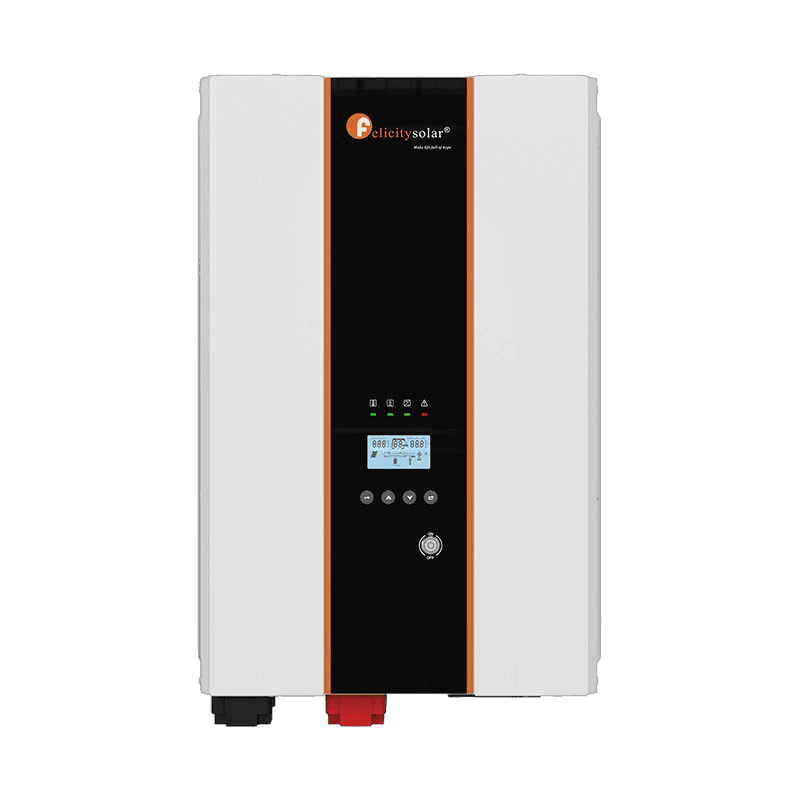
13Fault

Felicity inverter error 13 (F13)

Overload happens

Also displayed as F13 on some models.

Faultthe inverter cuts its output and the red LED stays solid until the fault is cleared.

The exact meaning depends on your model:

IVPS/IVPM Series

InverterFault

Also applies to:IVPS2512IVPS2524IVPS3524IVPS5024IVPS5048IVPS7548IVPS-7548IVPS10048+9

What it means

Overload happensThe inverter is overloaded and cuts off its output; the red LED is solid on.

Cause: The connected load exceeds the rated output power of the inverter while running in battery mode.

How to fix it

  1. Turn off the inverter, decrease the load to less than the rated output power of the inverter, then turn the inverter on again.
  2. If the overload happens while the AC input is on, wait 30 seconds and the fault will clear automatically.

Source: IVPS-IVPM User Guide.pdf, p.17 · IVPS3524P1G1-LV IVPS5048P1G1-LV IVPS7548P2G1 IVPS10048P2G1 User Guide - EN.pdf, p.24

IVEM 6048

InverterFault

Also applies to:IVEM6048

What it means

PV voltage is too high

Cause: Too many PV modules connected in series.

How to fix it

Reduce the number of PV modules in series.

Source: felicitysolar IVEM 6048 Solar Inverter User Guide.pdf, p.37

IVEM8048-II

InverterFault

Also applies to:IVEM12048-IIIVEM 8K-12K Series II

What it means

PV voltage is too high

Cause: PV array open-circuit voltage exceeds the inverter's maximum input voltage.

How to fix it

Reduce the number of PV modules in series.

Source: IVEM8K-12K-II_compressed.pdf, p.43

IVEM8048-LV

InverterFault

Also applies to:IVEM8048

What it means

PV voltage is too high

Cause: Too many PV modules in series.

How to fix it

Reduce the number of PV modules in series.

Source: FelicitySolar IVEM8048-LV Single Phase Hybrid Inverter User Guide.pdf, p.38

T-REX-10KLP3G01

InverterFault

What it means

Buckboost soft start failed

Cause: The buck-boost stage failed to ramp to its working point during soft start — an internal converter fault rather than a wiring issue.

How to fix it

Restart the unit, if the error persists, contact the repair center.

Source: T-REX-10KLP3G01-Inverter-User-Guide.pdf, p.27

LUX-S-1600LG01

BatteryFault

What it means

Output1 overcurrentFault event: DC output channel 1 current exceeded its limit (max output current 25A on LUX-S-1600LG01).

Cause: Current on DC output channel 1 exceeded its limit — the connected load draws more than the output rating, or the output wiring has a short.

How to fix it

  1. Power down the inverter, wait 5 minutes for capacitors to discharge, then restart.
  2. If the fault recurs immediately or repeatedly, record the exact code and contact your installer or the manufacturer's service line.

Source: LUX-S-1600LG01.pdf, p.22

LUX-X-96050HG01

BatteryCritical

Also applies to:LUX-X-96050HMG01LUX-X-96050HCG01

What it means

Slave Communication FailureCommunication failure between the master controller and one or more slave battery modules.

Cause: Poor contact / loose or damaged inter-module communication cable.

How to fix it

Check for poor contact of the communication line.

Source: LUX-X-96050HG01-Lithium-Battery-User-Guide.pdf, p.21

LUX-Y-48100HG01

BatteryFault

Also applies to:LUX-Y-48100HCG01LUX-Y-48100HMG01LUX-Y-48100HR13G01LUX-Y-48100HR9G01

What it means

Slave Communication FailureMaster-to-slave communication failure between BMS units.

Cause: Communication has been lost between the inverter and a peripheral device — typically a battery BMS, smart meter, or external monitoring dongle.

How to fix it

Check for poor contact of the communication line.

Source: LUX-Y-48100HG01-Lithium-Battery-User-Guide.pdf, p.20

LUX-Y-48100HG01MN

BatteryFault

What it means

Slave Communication Failure

Cause: Communication has been lost between the inverter and a peripheral device — typically a battery BMS, smart meter, or external monitoring dongle.

How to fix it

  1. Verify the communication cable (CAN/RS485/Modbus) is correctly seated and the right pinout is used.
  2. Check baud rate and protocol settings in both devices match.
  3. Reseat the dongle/comms module.
  4. For BMS comms, confirm the battery is powered on and not in deep-discharge protection.

Source: LUX-Y-48100HG01MN User manual 358-S010025-03 0325(V2.0).pdf, p.27

Frequently asked questions

What does error 13 mean on a Felicity inverter?
It depends on the model — 10 devices use code 13. On the IVPS/IVPM Series it means: Overload happens. The card for each model on this page gives its exact meaning and fix.
Is error 13 a fault or a warning?
13 is a fault code: the inverter cuts its output and the red LED stays solid until it is cleared.
How do I clear or fix error 13?
Turn off the inverter, decrease the load to less than the rated output power of the inverter, then turn the inverter on again. If the overload happens while the AC input is on, wait 30 seconds and the fault will clear automatically. The exact steps for each affected model are listed on this page.

Related error codes

Prefer the full written guide? Read the complete Felicity inverter error-code guide

Compiled from official Felicity user manuals. Always consult your device manual and a qualified technician before performing repairs.