RJ45 wired for RS485
PIN4 carries RS485-B and PIN5 carries RS485-A on the IOTH2406's RJ45 port.
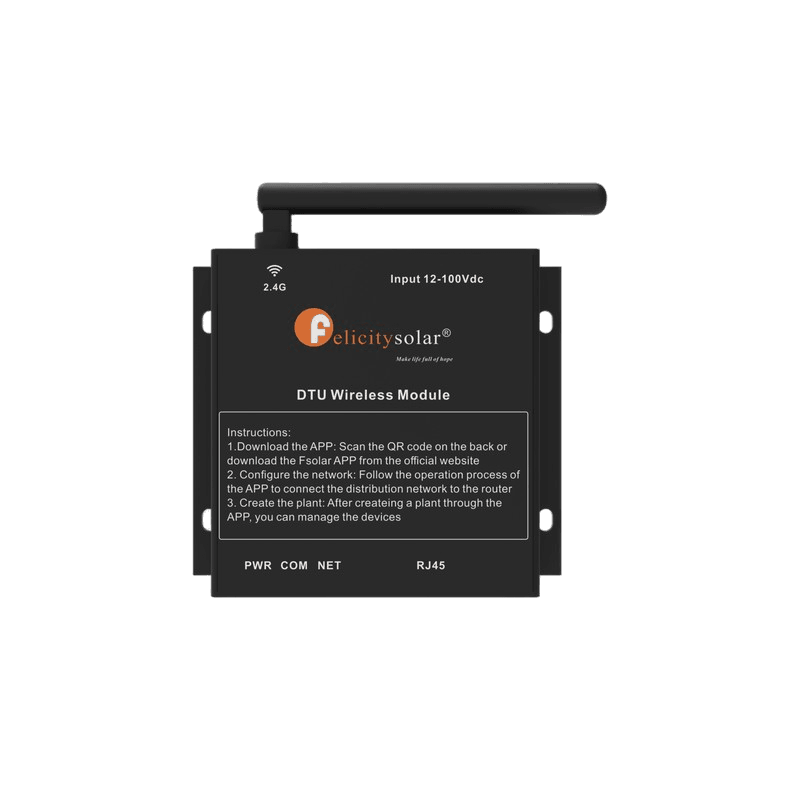
A 0.25 kg WiFi monitoring module whose RJ45 carries the RS485 pair on PIN4 and PIN5 and a 12V DC feed on PIN6, sending inverter readings to shine.felicitysolar.com.
In stock
The Felicity Solar IOTH2406 is a 0.25 kg WiFi monitoring module that puts an inverter online. Its RJ45 port is wired PIN4 RS485-B, PIN5 RS485-A, PIN6 12V DC input and PIN7 GND, it joins a 2.4G WiFi network, and it sends readings to the shine.felicitysolar.com portal. That pin-out is the IOTH2406's own: the RS485 pair sits on PIN4 and PIN5, while PIN6 carries the module's 12V DC supply and PIN7 the ground, so a single RJ45 lead brings both the data pair and the power feed to the module. Once it is powered, the IOTH2406 associates with a 2.4G WiFi network on site and forwards what it reads to shine.felicitysolar.com, which opens in an ordinary browser. At 0.25 kg the IOTH2406 belongs in the commissioning kit rather than in the switchgear cabinet. The IOTH2406 carries CE marking and is supplied with a 1 Year warranty. We are an authorised Felicity Solar distributor.
Specifications last updated 7 August 2026
| RJ45 Port | PIN4 RS485-B, PIN5 RS485-A, PIN6 12V DC input, PIN7 GND |
|---|---|
| WiFi Network | 2.4G WiFi |
| Power Input | 12V DC (PIN6) |
| Monitoring Portal | shine.felicitysolar.com |
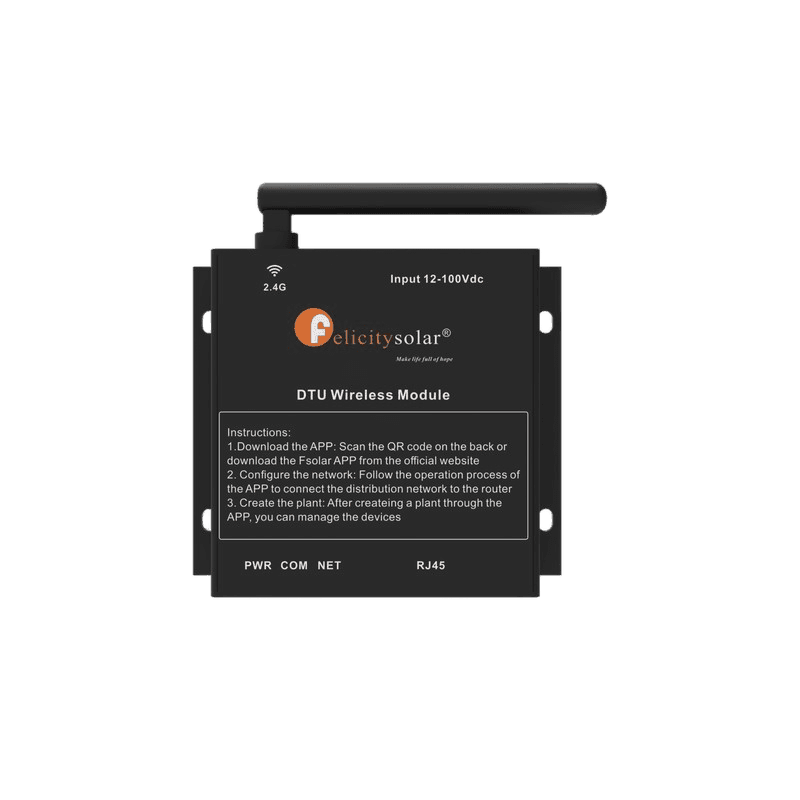
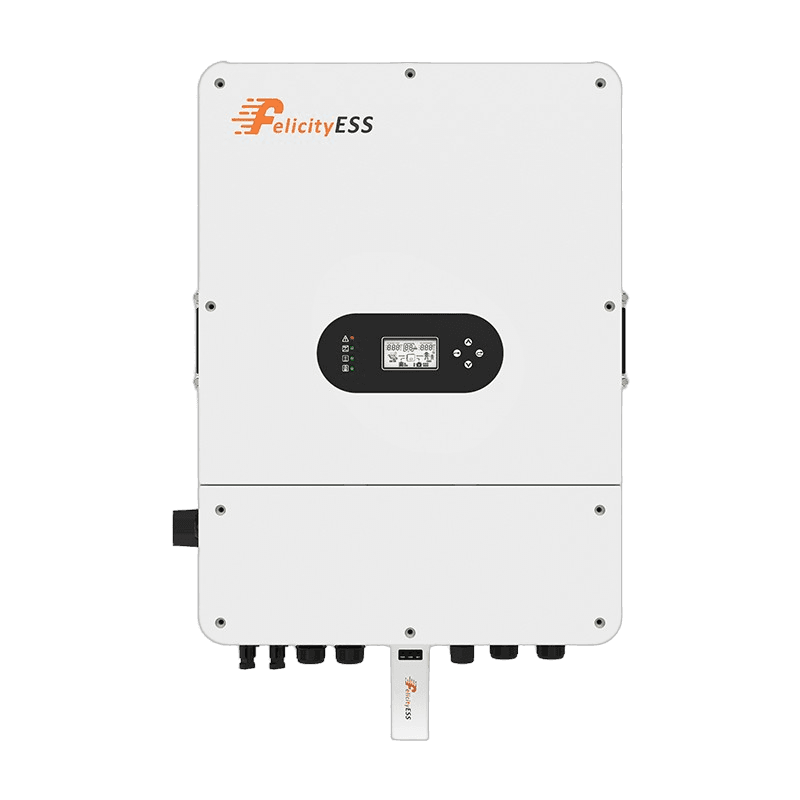
PIN4 RS485-B, PIN5 RS485-A, PIN6 12V DC input and PIN7 GND: that is how the IOTH2406's RJ45 port is wired, so one RJ45 lead carries the RS485 pair and the module's supply together.
2.4G WiFi is the IOTH2406's WiFi Network specification, so the module associates with the 2.4G WiFi network available at the site.
shine.felicitysolar.com is the monitoring portal the IOTH2406 reports to, and it opens in an ordinary browser.
1 Year. The IOTH2406 is supplied with a 1 Year warranty, carries CE marking and weighs 0.25 kg. We are an authorised Felicity Solar distributor.